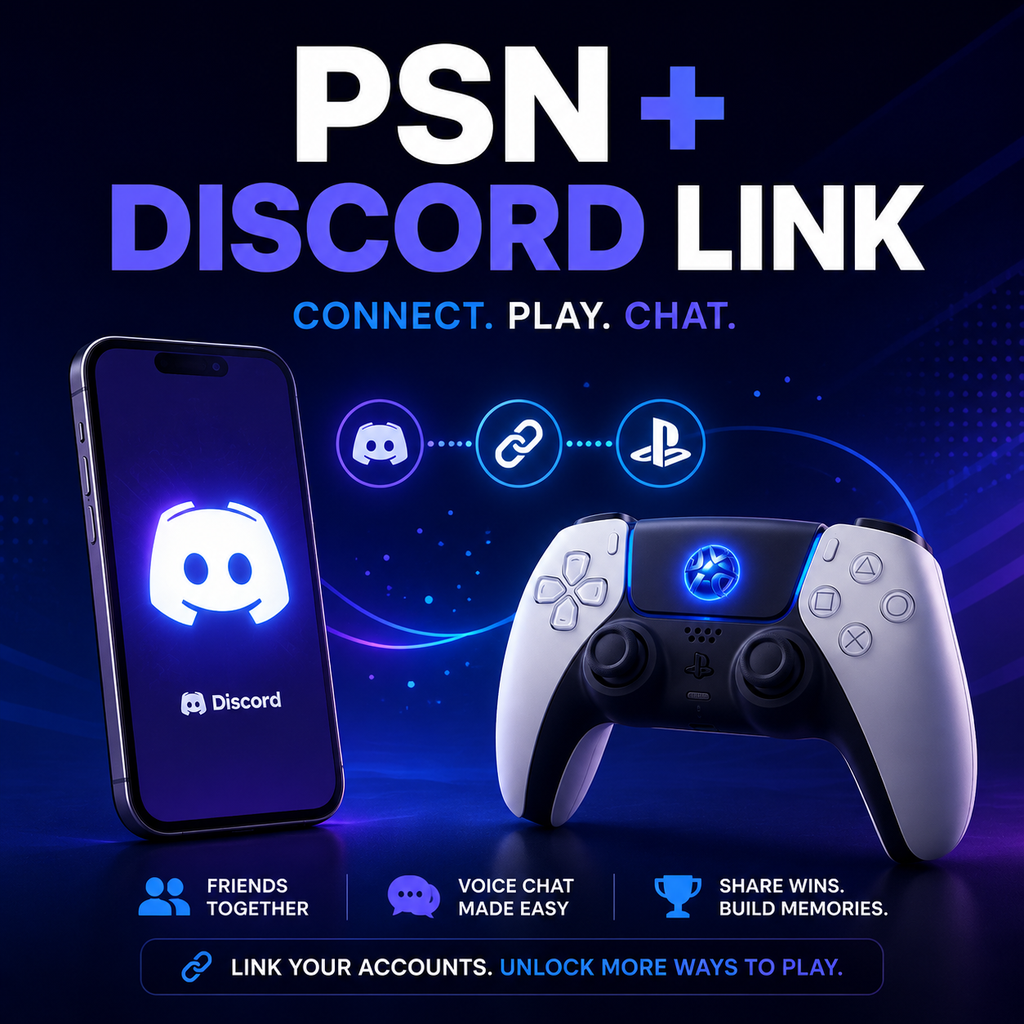
Pemilik PlayStation Akhirnya Bisa Menautkan Akun Discord dan PSN Mereka
Penautan Akun yang Mulus: Era Baru untuk PlayStation dan Discord
Pemilik PlayStation kini dapat menautkan akun PSN mereka ke Discord, membuka berbagai fitur yang menjembatani kesenjangan antara komunitas game konsol dan PC. Integrasi yang sudah lama dinantikan ini memungkinkan pengguna untuk menampilkan aktivitas game mereka, membagikan status online, dan bahkan bergabung dalam obrolan suara langsung dari konsol PlayStation mereka. Baik Anda pengguna PS4 atau PS5, prosesnya mudah dan membuka cara baru untuk terhubung dengan teman di berbagai platform.
Cara Menautkan Akun Discord dan PlayStation Network Anda
Menautkan akun Anda sederhana dan dapat dilakukan dari PC, Mac, perangkat seluler, atau bahkan langsung di PS5 Anda. Prosesnya sedikit berbeda tergantung perangkat, tetapi langkah intinya tetap sama.
Melalui Aplikasi Discord (Desktop atau Seluler)
Buka Discord dan navigasikan ke Pengaturan Pengguna > Koneksi. Di desktop atau web, Anda akan melihat daftar layanan yang tersedia—klik ikon PlayStation Network (logo PS). Di seluler, ketuk opsi Koneksi lalu pilih ikon PlayStation. Jendela browser baru akan meminta Anda masuk ke akun PSN Anda. Setelah mengotorisasi koneksi, akun Anda tertaut.
Melalui Konsol PS5 (Penautan Langsung)
Untuk menautkan langsung dari PS5 Anda, pastikan konsol Anda diperbarui ke perangkat lunak sistem terbaru. Buka Pengaturan > Pengguna dan Akun > Layanan Tertaut, lalu pilih Discord. Anda akan diberikan opsi: pindai kode QR dengan ponsel Anda, kunjungi tautan dan masukkan kode, atau masuk menggunakan browser bawaan PS5. Pilih metode yang paling sesuai dan ikuti petunjuk di layar.
Apa yang Dapat Anda Lakukan Setelah Menautkan: Menampilkan Aktivitas dan Bergabung dalam Obrolan Suara
Setelah tertaut, Anda dapat mengontrol informasi apa yang dibagikan. Di tab Koneksi Discord, Anda akan melihat sakelar untuk Tampilkan di Profil Pengguna dan Tampilkan PlayStation Network sebagai status Anda. Mengaktifkan yang terakhir akan menampilkan game yang Anda mainkan di PS4 atau PS5 langsung di profil Discord Anda—memungkinkan teman melihat aktivitas Anda secara real-time.
Obrolan Suara di PlayStation
Salah satu fitur paling menarik adalah kemampuan untuk bergabung dengan saluran suara Discord dari PS5 Anda. Untuk melakukannya, mulai saluran suara Discord di aplikasi seluler atau desktop Anda. Cari tombol Bergabung di PlayStation (ikon telepon dan pengontrol game). Pilih konsol PS5 Anda, dan obrolan suara akan ditransfer—memungkinkan Anda berbicara dengan teman sambil bermain game tanpa memerlukan PC di dekat Anda. Anda juga dapat mentransfer suara dari PS5 itu sendiri: di aplikasi Discord di konsol, buka saluran suara, tekan elipsis (tiga titik), dan pilih Transfer Suara ke PlayStation.
Memecahkan Masalah Aktivitas Game dan Pengaturan Privasi
Jika aktivitas game Anda tidak muncul di Discord, periksa pengaturan privasi PlayStation Anda. Di PS4, navigasikan ke Profil > Ubah Pengaturan Privasi > Info Pribadi | Pesan > Status Online dan Sedang Dimainkan dan atur ke Siapa Saja. Di PS5, buka Pengaturan > Pengguna dan Akun > Privasi > Lihat dan Sesuaikan Pengaturan Privasi Anda dan di bawah Siapa yang dapat melihat status online Anda dan apa yang sedang Anda mainkan, pilih Siapa Saja. Perhatikan bahwa jika Anda muncul offline di PlayStation, status itu juga akan tercermin di Discord, dan game apa pun yang disembunyikan di pengaturan PSN Anda tidak akan ditampilkan.
Otorisasi Ulang Setelah Pembaruan
Jika Anda sebelumnya telah menautkan akun untuk menampilkan aktivitas game, Anda mungkin perlu menautkan ulang untuk mengaktifkan izin obrolan suara—kecuali Anda adalah bagian dari beta. Mengubah ID online Anda mungkin juga memerlukan koneksi ulang baru dalam beberapa kasus; sistem biasanya memperbarui secara otomatis, tetapi jika tidak, putuskan dan tautkan ulang.
Memutuskan Tautan Akun Anda: Cepat dan Mudah
Untuk menghapus koneksi, kembali ke Pengaturan Pengguna > Koneksi di Discord. Di samping entri PlayStation Network, klik X (atau tekan di seluler). Dialog konfirmasi akan muncul—klik Putuskan. Ini akan memutuskan tautan akun dan menghentikan pembagian aktivitas dan fitur suara.
Masa Depan Game Sosial Lintas Platform
Dengan integrasi ini, pengguna PlayStation dan Discord dapat menikmati pengalaman sosial yang lebih terpadu. Baik Anda mengoordinasikan raid, mengobrol dengan teman, atau sekadar memberi tahu orang lain apa yang Anda mainkan, tautan antara kedua ekosistem ini membuat game lebih terhubung dari sebelumnya. Saat komunitas konsol dan PC terus bergabung, fitur-fitur seperti ini membuka jalan untuk interaksi yang mulus—membuktikan bahwa momen game terbaik adalah saat dibagikan, apa pun platformnya.