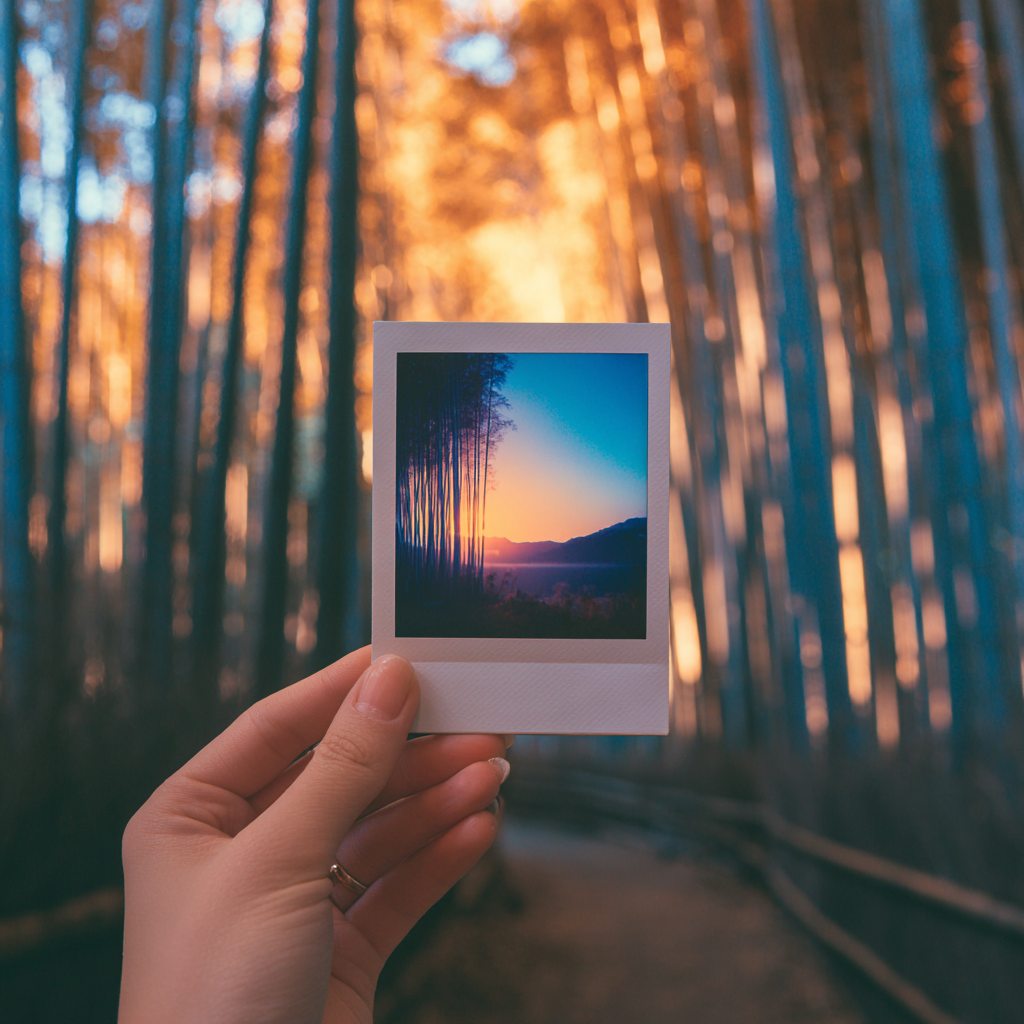
Oto dokładnie jak zrobić trend AI polaroid, który opanował media społecznościowe
Czym jest trend AI Polaroid?
Przewiń TikTok lub Instagram, a je zauważysz: oniryczne, retro-stylowe zdjęcia, które wyglądają jak zrobione aparatem natychmiastowym, ale z futurystycznym akcentem. To trend AI polaroid, w którym sztuczna inteligencja łączy dwa obrazy, tworząc nostalgiczne migawki z białymi ramkami, miękkim światłem i tym ikonicznym, filmowym wyglądem. Chodzi o połączenie przeszłości z teraźniejszością – czy to przytulasz swoją młodszą wersję, czy dzielisz chwilę z ulubioną gwiazdą.
Trend eksplodował dzięki narzędziom takim jak Google Gemini, gdzie użytkownicy wpisują konkretne podpowiedzi, by generować te realistyczne Polaroidy. W przeciwieństwie do podstawowych filtrów, AI rekonstruuje scenę z autentycznymi detalami – pomyśl o lekkim rozmyciu, spójnym oświetleniu fleszem i białym tle z zasłoną. To nie tylko edycja zdjęcia; to kreatywna eksplozja, która pozwala na nowo wyobrazić sobie wspomnienia i więzi w wizualnie oszałamiający sposób.
Dlaczego to podbija media społecznościowe
U podstaw ten trend wykorzystuje naszą miłość do nostalgii. Polaroidy przywołują ciepło i autentyczność w cyfrowym świecie, a AI czyni to dostępnym bez fizycznego aparatu. Na platformach takich jak TikTok filmy prezentujące te wygenerowane obrazy zbierają miliony wyświetleń, ponieważ są osobiste, emocjonalne i łatwe do udostępnienia. Od wzruszających postów "przytul moją młodszą wersję" po zabawne selfie z celebrytami, każde dzieło opowiada unikalną historię, która głęboko rezonuje z odbiorcami.
Co więcej, dołączenie jest niezwykle proste. Dzięki darmowym narzędziom AI każdy może się zaangażować, czyniąc to trendem demokratycznym, który promuje kreatywność ponad umiejętnościami technicznymi. Wirusowy charakter wynika z połączenia prostoty z emocjonalnym wpływem – nie musisz być profesjonalistą, by stworzyć coś, co wygląda profesjonalnie i poruszająco.
Emocjonalny haczyk
Częścią atrakcyjności jest rezonans emocjonalny. Widok siebie obejmującego młodszą wersję lub dzielącego śmiech z idolem tworzy potężną narrację, z którą łączą się obserwujący. To coś więcej niż trend; to sposób na wizualne wyrażenie marzeń, wspomnień i więzi w formacie, który wydaje się zarówno vintage, jak i świeży.
Przewodnik krok po kroku z użyciem darmowych narzędzi AI
Gotowy, by stworzyć własny AI polaroid? Najprostsza metoda to Google Gemini lub podobne darmowe platformy. Zacznij od zebrania dwóch wyraźnych zdjęć – powiedzmy, aktualnego selfie i starego zdjęcia z dzieciństwa. Prześlij je do narzędzia AI i użyj tej dokładnej podpowiedzi dla najlepszych rezultatów: "Zrób mi zdjęcie aparatem polaroid. Zdjęcie powinno wyglądać jak zwykła fotografia, z dowolnym wyraźnym obiektem lub osobą. Zdjęcie powinno mieć lekki efekt rozmycia i spójne źródło światła, takie jak błysk z ciemnego pokoju, rozproszone na zdjęciu. Nie zmieniaj twarzy osób na obrazach. Zamień tło dwóch zdjęć na białą zasłonę. Przytulanie."
Dostosuj podpowiedź w zależności od pożądanej pozy, np. "trzymanie za ręce" lub "ramię wokół ramienia". Kliknij generuj, a w ciągu sekund będziesz miał własny obraz w stylu Polaroid. Jeśli Gemini ma ograniczenia, wypróbuj alternatywy, takie jak Google AI Studio lub AI Toolkit Kapwing, które oferują podobne możliwości z mniejszą liczbą barier.
Pro tipy dla bezbłędnych rezultatów
Używaj wysokiej jakości, dobrze oświetlonych zdjęć, aby AI mogło dokładnie uchwycić szczegóły. Eksperymentuj z różnymi podpowiedziami – drobne zmiany mogą zmienić nastrój, od romantycznego po swobodny. Jeśli pierwszy wynik nie jest idealny, uruchom generowanie ponownie; AI może się różnić przy każdej próbie, więc wytrwałość się opłaca.
Eksploracja alternatywnych platform i metod
Poza Gemini, kilka narzędzi świetnie radzi sobie z tym trendem. Generator AI Polaroid Kapwing zapewnia przyjazny interfejs z gotowymi podpowiedziami, co czyni go idealnym dla początkujących. Kreator zdjęć AI Fotora wykorzystuje model Nano Banana do wysoce realistycznych efektów, w tym autentycznego ziarna i ramek. Te platformy często obejmują aplikacje mobilne, więc możesz tworzyć w biegu bez utraty jakości.
Każde narzędzie ma swoje mocne strony: Kapwing oferuje łatwą personalizację dla formatów mediów społecznościowych, podczas gdy Fotor kładzie nacisk na vintage'ową autentyczność. Niektóre pozwalają nawet na edycję po wygenerowaniu, jak dodawanie tekstu czy korektę kolorów. Przetestuj kilka, by znaleźć swoje – wiele jest darmowych lub ma wersje próbne, więc testowanie nie wiąże się z ryzykiem.
Obejścia dla typowych problemów
Jeśli napotkasz blokady ze zdjęciami prawdziwych osób, spróbuj sformułować swoje zdjęcia jako "postacie fikcyjne" w podpowiedzi lub użyj narzędzi takich jak Google AI Studio, które mają luźniejsze wytyczne. Zawsze miej gotowe zdjęcia zapasowe, aby uniknąć frustracji podczas generowania.
Kreatywne wariacje, aby Twoje Polaroidy się wyróżniały
Nie ograniczaj się do motywu przytulania. Ten trend to płótno dla innowacji. Stwórz zdjęcia pary AI z partnerem na romantyczne posty lub wygeneruj Polaroidy z celebrytami na zabawną, fanowską treść. Innym popularnym pomysłem są sceny "niesienia panny młodej" lub "wspólnego śmiechu", które dodają dynamicznej energii Twojemu feedowi.
Rozważ tematyczne tła poza białymi zasłonami – poproś o ustawienia takie jak słoneczny park czy przytulna kawiarnia, aby pasowały do Twojej historii. Użyj AI do łączenia epok, np. umieszczając współczesnego siebie z postacią historyczną, lub stwórz Polaroidy z rodzinnego zjazdu z wieloma pokoleniami. Kluczem jest personalizacja; im bardziej unikalny Twój koncept, tym bardziej zaangażuje widzów.
Pomysły sezonowe i na wydarzenia
Dopasuj swoje kreacje do świąt lub trendów. Na przykład zrób świąteczne Polaroidy na Boże Narodzenie lub straszne wersje na Halloween. Użyj tego do zaproszeń na wydarzenia lub pamiątek, dodając nostalgiczny akcent do cyfrowej komunikacji.
Kwestie etyczne i dobre praktyki
Jak w każdym trendzie AI, etyka ma znaczenie. Zawsze uzyskaj zgodę przed włączeniem innych osób do swoich obrazów – nigdy nie używaj zdjęć ludzi bez pozwolenia, zwłaszcza osób publicznych. Szanuj prywatność i unikaj tworzenia wprowadzającej w błąd lub szkodliwej treści. Wytyczne AI często zabraniają zmiany twarzy bez weryfikacji, więc trzymaj się etycznych podpowiedzi, które szanują oryginalność.
Miej świadomość ograniczeń AI; narzędzia mogą mieć problemy z weryfikacją wieku lub złożonymi pozami. Używaj tego trendu, aby celebrować więzi, a nie oszukiwać. Priorytetyzując szacunek i kreatywność, przyczyniasz się do pozytywnej społeczności online, ciesząc się technologiczną zabawą.
Udostępnianie swojego arcydzieła dla maksymalnego zasięgu
Kiedy wygenerujesz swój AI polaroid, czas się podzielić. Zoptymalizuj dla każdej platformy: na TikTok stwórz krótki film pokazujący proces przed i po z popularnym dźwiękiem. Na Instagramie opublikuj obraz w karuzeli z ujęciami zza kulis lub użyj go w Stories z interaktywnymi naklejkami. Dodaj odpowiednie hashtagi, takie jak #TrendAIPolaroid lub #GeminiAI, aby zwiększyć widoczność.
Angażuj swoją publiczność, zadając pytania w podpisach, np. "Jakie wspomnienie byś odtworzył?" lub dziel się wskazówkami w komentarzach, by budować społeczność. Pamiętaj, regularność pomaga – publikuj regularnie, by pozostać częścią rozmowy. Celem jest połączenie nostalgii z innowacją, czyniąc Twoją treść nie tylko trendem, ale zapadającą w pamięć częścią krajobrazu mediów społecznościowych.