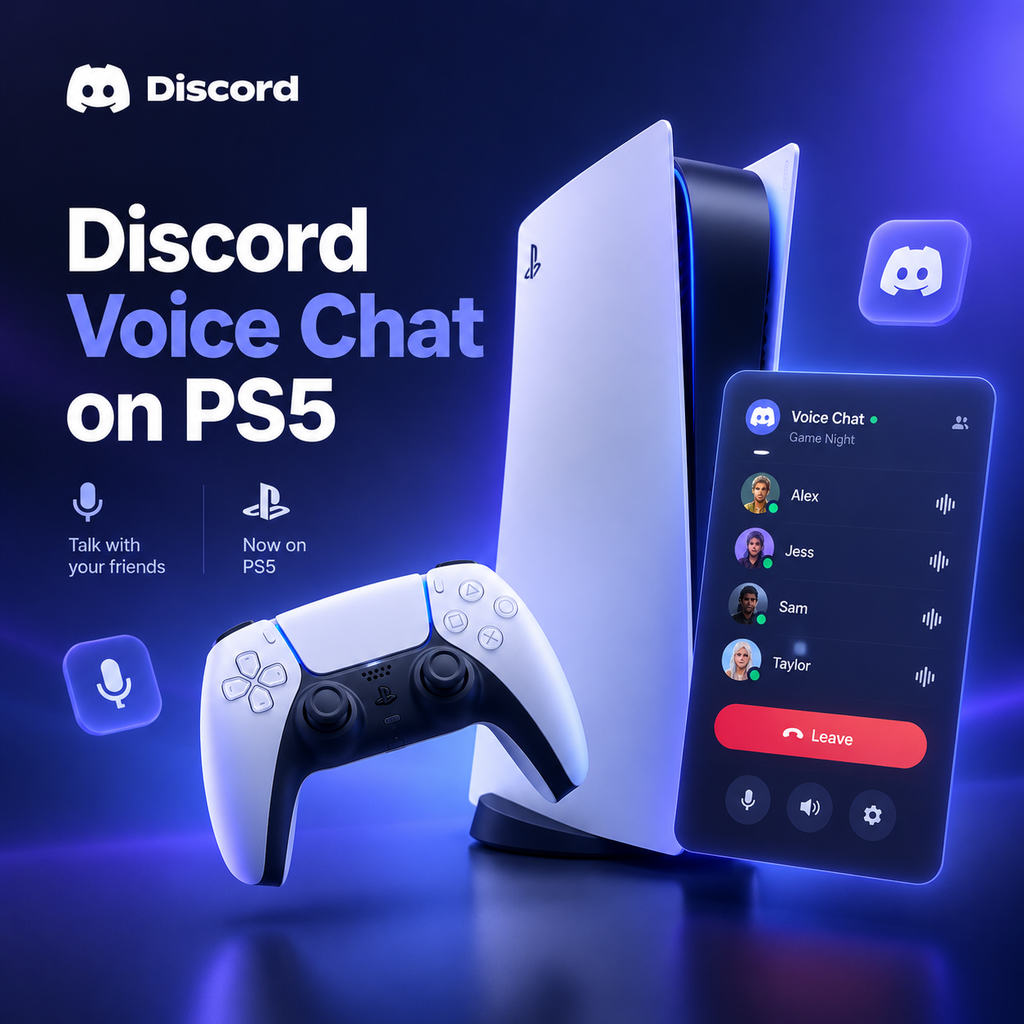
Discord arrives on PS5 for beta testers today
Discord Voice Chat Beta Now Available on PS5
PlayStation 5 owners, get ready to chat! Discord voice chat is officially rolling out to PS5 consoles in beta starting today. This means you can now join voice calls directly from your console, no phone or PC required. The feature is initially available to select beta testers in certain countries, with a wider rollout expected in the coming weeks. If you're lucky enough to be part of the beta, you'll be able to connect with friends across platforms seamlessly while gaming on your PS5.
How to Link Your Discord and PlayStation Network Accounts
Before you can dive into voice chat on your PS5, you'll need to link your Discord account with your PlayStation Network (PSN) account. Don't worry; it's a quick and painless process. Here's how to do it:
- On your PS5, go to Settings > Users and Accounts > Linked Services.
- Select Discord from the list of services.
- A QR code and an eight-digit code will appear on your screen. You can either scan the QR code with your phone or visit the Discord website on your console's browser and enter the code.
- Follow the prompts to log in to your Discord account and authorize the connection.
Alternatively, you can link your accounts from the Discord app (on desktop or mobile) by going to User Settings > Connections, selecting the PlayStation logo, and following the instructions. Once linked, your PSN status will display on your Discord profile, showing what game you're playing to your friends.
Joining a Discord Voice Chat from Your PS5
Once your accounts are linked, joining a voice chat is a breeze. Here's how to do it directly from your PS5:
- Press the PlayStation button on your DualSense controller to open the Control Center.
- Navigate to the Game Base and select the new Discord option.
- You'll see a list of all the Discord servers you're a member of, as well as an option to browse your direct messages (DMs) and group DMs.
- To join a server voice channel, simply select the server, choose a voice channel, and hit Join. For DM calls, select Direct Voice Chats to see your recent conversations, then pick the one you want to join and press Join.
That's it! You're now connected and can chat with friends who are on PC, mobile, or other consoles. The voice chat interface on PS5 lets you mute yourself, adjust volume, leave the call, and see who else is in the channel.
Transferring an Ongoing Call from Mobile or Desktop
If you're already in a Discord voice call on your phone or computer and want to move it to your PS5, you can easily transfer the call. Here's how:
From the Discord Mobile App:
- Open the Discord app and go to the voice channel you're in.
- Swipe up for audio controls and select Join on PlayStation.
- A pop-up will appear; choose your PS5 console and press Transfer Voice.
From the Discord Desktop App:
- Join the voice channel on your desktop.
- In the voice channel view, click the ellipses (...) and select Transfer Voice to PlayStation.
- Alternatively, right-click the voice channel name and choose the transfer option.
Make sure your PS5 is updated to the latest system software for this to work. Once transferred, you can continue the conversation on your console without missing a beat.
What You Need to Know About the Beta
The Discord voice chat integration on PS5 is currently in beta, meaning it's not yet available to everyone. To participate, you need to be part of the PlayStation 5 System Software Beta program. If you're selected, you'll receive an email with a code to install the beta software on your PS5. The beta is limited to select regions, and participants must be at least 18 years old and provide feedback.
If you're not in the beta, don't worry—Discord voice chat will roll out to all PS5 users in the coming weeks. Keep an eye out for system software updates and check the Game Base for the Discord tab. Once it's available, you'll be able to enjoy seamless voice chat with your friends across platforms.
Troubleshooting Tips for Discord on PS5
If you run into issues while using Discord on your PS5, here are a few troubleshooting tips:
- Ensure your PS5 is up to date: Go to Settings > System > System Software > Update System Software to check for updates.
- Re-link your accounts: If you previously linked your Discord and PSN accounts, you might need to re-link them to enable voice chat on PS5. To do this, go to Settings > Users and Accounts > Linked Services, unlink Discord, and then link it again.
- Check your microphone: Make sure your microphone is properly connected and not muted. The DualSense controller has a built-in mic, but you can also use a headset.
- Restart your console: Sometimes a simple restart can resolve connectivity issues.
If problems persist, consult the official Discord and PlayStation support pages for further assistance.
What This Means for Cross-Platform Gaming
The arrival of Discord voice chat on PS5 is a game-changer for cross-platform play. Now, PlayStation users can easily communicate with friends on PC, Xbox, and mobile without needing a separate device. This integration removes a significant barrier to cross-platform gaming, making it simpler than ever to coordinate strategies, share laughs, and build communities across different platforms.
As Discord continues to expand its console presence, we can expect even more features and improvements. For now, PS5 owners in the beta can enjoy the convenience of native Discord voice chat, and soon, everyone will be able to join the conversation. So grab your controller, link your accounts, and get ready to chat—your friends are waiting.