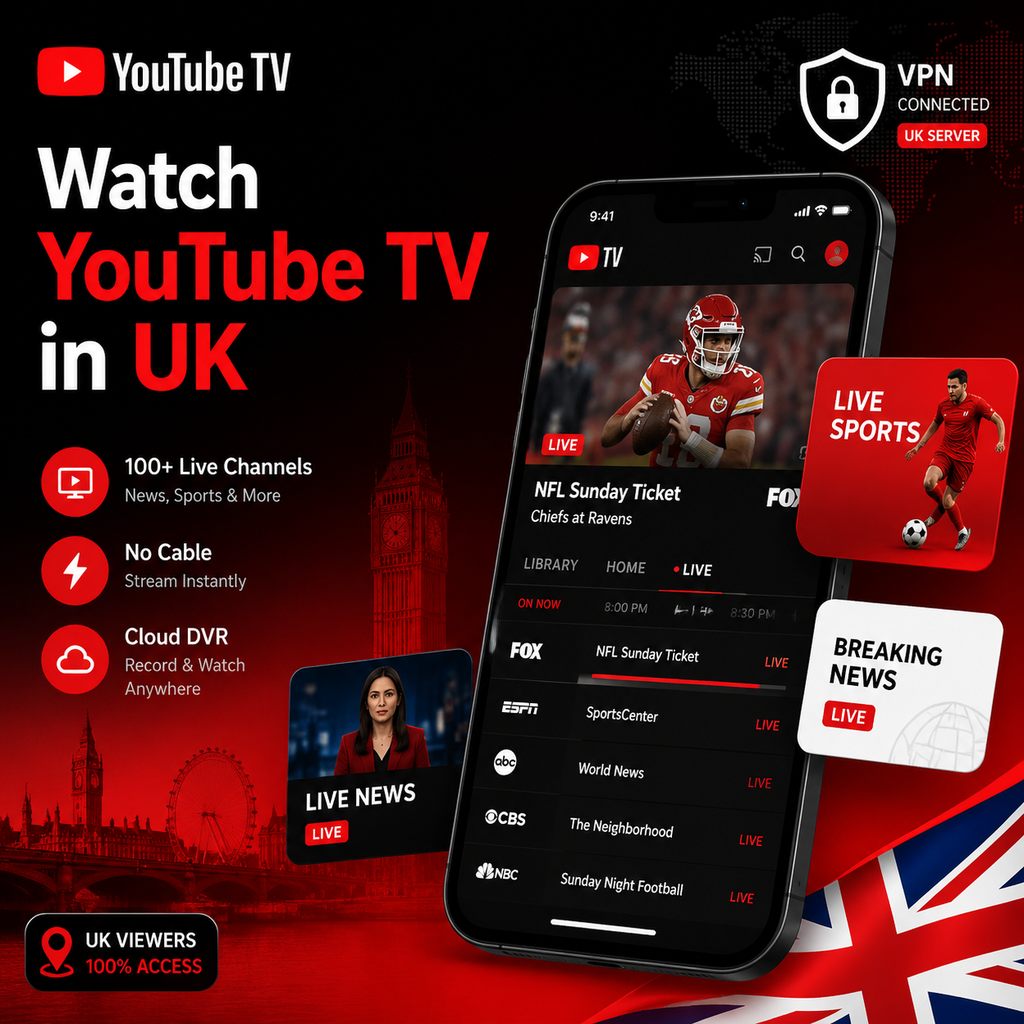
How Can I Watch YouTube TV in UK?
Why YouTube TV Doesn't Work in the UK
YouTube TV is a US-only streaming service, blocked outside the United States due to licensing agreements with networks like ABC, CBS, NBC, and ESPN. When you try to access it from the UK, you'll see an error message because YouTube TV detects your IP address and restricts access. However, with a reliable VPN, you can bypass this geo-blocking and watch YouTube TV in the UK as if you were in America.
How a VPN Unlocks YouTube TV
A VPN (Virtual Private Network) routes your internet connection through a server in the US, giving you a US IP address. To YouTube TV, it looks like you're in the States, so the service works normally. For the best experience, choose a VPN with fast US servers and strong streaming capabilities. NordVPN is a top pick for its reliability and speed, while Surfshark works well on smart TVs, and ExpressVPN is excellent for privacy.
Setting Up a VPN on Different Devices
On a desktop or laptop, simply download your VPN app, log in, connect to a US server in your target city (like New York or Los Angeles), then open YouTube TV in your browser. For Android devices, install the VPN app from Google Play, connect to a US server, and enable GPS override if needed. On iOS, use a US Apple ID to download the YouTube TV app after connecting to the VPN.
Step-by-Step: Watch YouTube TV in the UK
Follow these steps to start streaming:
- Subscribe to a premium VPN – We recommend NordVPN for fast speeds and easy setup.
- Download and install the VPN app on your device.
- Connect to a US server – choose a city like New York or Dallas.
- Go to the YouTube TV website (tv.youtube.com) or open the app.
- Sign up or log in – you'll need a US payment method (gift cards work best).
- Start streaming live TV, sports, and on-demand content.
Subscribing to YouTube TV from the UK
Since YouTube TV requires a US billing address, you'll need a workaround. The easiest method is to use a US gift card. After connecting to your VPN, visit the YouTube TV sign-up page, enter a US ZIP code (you can find one online), choose a plan, and pay with a YouTube TV or Google Play gift card. Alternatively, a US PayPal account linked to a credit card can work.
Troubleshooting Common Issues
If you get a location error, try switching to a different US server, clearing your browser cookies, or disabling GPS on your device. For persistent proxy errors, use a VPN with obfuscated servers like NordVPN's. Restarting your device or router can also help.
VPNs for Smart TVs and Routers
For smart TVs running Android TV or Fire TV, install the VPN app directly from the app store. For Roku or Apple TV, set up the VPN on your router – log into your router's admin panel, enter your VPN provider's server details, and save. This covers all devices on your network, so you can watch YouTube TV from any TV or console.
Legal and Final Thoughts
Using a VPN to access YouTube TV is legal in the UK, though it may break YouTube TV's terms of service. No major legal issues have been reported, and thousands of expats use this method daily. With a premium VPN like NordVPN, you get fast speeds, reliable access, and robust privacy protection. So grab your VPN, connect to a US server, and enjoy YouTube TV from anywhere in the UK.